Table of Content

What are the main types of software testing?
The main types of software testing can be grouped three ways. By level: unit, integration, system and acceptance testing, which move from a single piece of code to the whole product in front of real users. By purpose: functional testing, which checks that features do what they should, and non-functional testing, which checks qualities such as speed, security, usability and compatibility. By approach: manual or automated, and black-box, white-box or grey-box. Named tests such as smoke, sanity and regression testing are timing choices that cut across these groups.
TL;DR
- Software testing types are easiest to learn as three questions: how big is the thing being tested (level), what quality are you checking (purpose), and who or what does the checking (approach).
- The four classic levels are unit, integration, system and acceptance testing. Each catches a different kind of problem at a different cost.
- Functional testing asks whether features work. Non-functional testing asks whether the product is fast, secure, usable, accessible and compatible enough.
- Smoke, sanity and regression testing are not separate levels. They are checks you run at specific moments, such as after a build, after a small fix or before every release.
- You do not need every type on every project. A worked example below allocates 40 hours of testing across a release using risk, and a second example shows why a suite weighted toward fast unit tests finishes in about 29 minutes while an inverted one takes about three hours.
- The hours, test counts and run times in the worked examples are illustrations built for this guide, not benchmarks.
- CommercePundit provides software testing services and builds test automation. See the last section.
How do the levels of testing fit together?
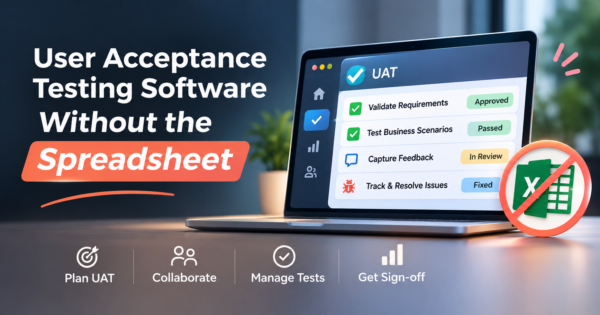
Start with the smallest unit and work outward. Unit testing checks a single function or class in isolation, written by developers and run in seconds, and it is where most logic errors should be caught. Integration testing checks that pieces work together: that the service talks correctly to the database, that the API returns what the front end expects, that two modules agree on a data format. System testing exercises the complete, integrated product against the requirements, usually in an environment close to production. Acceptance testing is the final check by the people who will use or pay for the product, to confirm it meets their needs, and it has a whole discipline of its own that we cover in our guide to user acceptance testing software.
The practical rule is that the cheapest place to find a bug is the earliest level that can see it. A wrong rounding rule is a unit test. A mismatched field between two services is an integration test. A confusing checkout flow is only visible at the system or acceptance level. Teams run into trouble when they try to find everything at the top, with slow end-to-end tests, because those tests are expensive to write, slow to run and hard to diagnose when they fail.
What is the difference between functional and non-functional testing?
Functional testing checks behavior against requirements. Can a customer add an item to the cart, apply a coupon and check out? Does the discount calculation match the rule? It includes the levels above plus techniques such as regression testing and exploratory testing, where a tester investigates freely, without a script, to find problems nobody thought to specify.
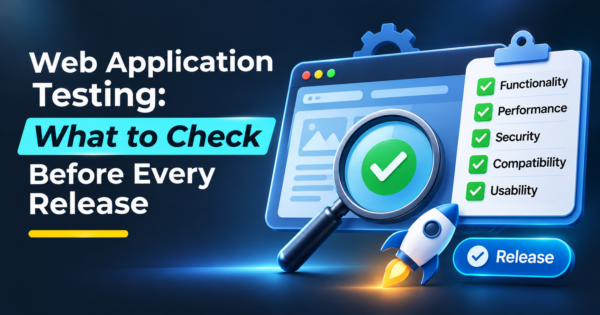
Non-functional testing checks how well the product does what it does. Performance testing measures speed and behavior under load, and it comes in flavors such as load testing for expected traffic, stress testing beyond it and soak testing over a long period. Security testing looks for weaknesses such as broken access control and injection flaws, often using the OWASP Top 10 as a checklist. Usability testing watches real people try to complete tasks. Accessibility testing checks the product against standards such as WCAG so people with disabilities can use it. Compatibility testing checks browsers, devices, operating systems and screen sizes. Teams most often under-test this half, and it is where launch day surprises come from. Our guide to web application testing shows how to size these checks by release stage, and our mobile testing services cover the device side.
Which named tests should you know: smoke, sanity and regression?
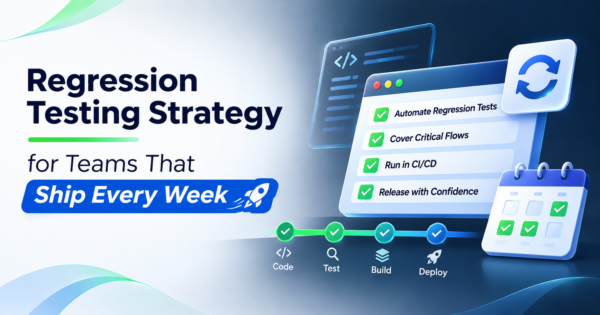
These three confuse people because they are not levels. They are checks defined by when you run them and why. A smoke test is a short run of the most critical paths immediately after a new build, to decide whether the build is stable enough to test further. If login or checkout fails, you stop and send it back. A sanity test is a narrow check after a small change or bug fix, to confirm that the specific area works before you spend time on a wider run. A regression test is a broader repeat of existing tests to confirm that new changes did not break things that worked before, and it is the strongest candidate for automation because it repeats on every release. We go deep on that in our guide to regression testing.
Other names you will meet include exploratory testing (unscripted investigation), ad hoc testing (informal, without planning), end-to-end testing (a full user journey through the real system) and API testing (calling the interfaces directly, which is usually faster and steadier than driving the screen). They fit into the same picture as ways to look for problems at different levels and moments.
Does it matter whether tests are manual or automated, and black-box or white-box?
Yes, but think of these as choices of method, not types of product risk. Manual testing is a person following steps or exploring, which is best for usability, new features and anything where judgment matters. Automated testing is code that runs the checks, which is best for things that repeat, such as regression and API checks, and for anything you want to run on every code change. The mistake is trying to automate everything or nothing. Automate the stable and repetitive. Keep people on the new and the subjective. Our automation testing services page describes how we build that balance.
Black-box testing checks behavior from the outside, with no knowledge of the code, the way a user or a requirements-based tester would. White-box testing uses knowledge of the code structure to design tests, such as making sure every branch is exercised. Grey-box testing sits in between, using partial knowledge such as the database schema or API contract. Developers write white-box tests as unit tests, and testers working from requirements write black-box tests. A healthy project uses both.
How do you decide which types of testing a project needs?
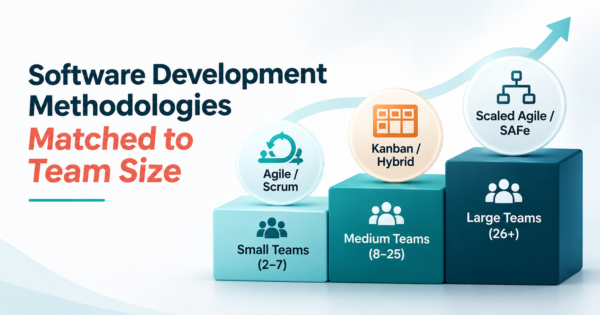
Start with the cost of a failure. A site that handles payments or personal data needs security and compatibility testing that a brochure site does not. A mobile app needs device and network testing. A system with a long life needs a strong regression suite, because the cost of change is paid for years. A short-lived prototype needs a smoke test and a few sanity checks. Our guide to software development methodologies shows how the process you choose changes when testing happens, and the approach in spec-driven development turns acceptance criteria into tests from the start.
A simple order works for most teams. First, unit tests alongside the code. Second, a smoke test in the build pipeline. Third, integration and API tests for the interfaces that carry money or data. Fourth, a small, stable set of end-to-end tests for the critical journeys. Fifth, non-functional checks scaled to the risk: performance before a launch or campaign, security before and after any change to authentication or payments, and accessibility from the start. Finally, acceptance testing with real users before the release goes live.
Worked example: splitting 40 hours of testing by risk
Suppose a release has six areas to test and 40 hours to do it. Score each area from 1 to 5 for the impact of a failure and from 1 to 5 for the likelihood that it fails, because it is new or complicated, and multiply the two. These scores are judgments for illustration. Checkout and payment scores 5 for impact and 4 for likelihood, a risk score of 20. Login and account scores 4 and 3, which is 12. Search scores 9, product pages 6, order history 4 and newsletter signup 2. The six scores add up to 53.
Share the 40 hours in proportion. Checkout gets about 15.1 hours, login about 9.1, search about 6.8, product pages about 4.5, order history about 3.0 and the newsletter signup about 1.5 hours. The newsletter form still gets a smoke check, but it does not get a day. The point is not the precision. It is that the conversation about what to test becomes a conversation about risk, and that shifts effort toward payments and accounts, where bugs hurt most. If you cut the plan to 20 hours, the same proportions apply, and you will know exactly what you are choosing not to test.
Worked example: why the shape of the test suite matters
Take a suite of 500 automated tests where a unit test takes about 0.1 seconds, an integration test about 2 seconds and an end-to-end test about 30 seconds. These times are assumptions, but the ratios are typical of how the levels behave. If the suite is shaped like a pyramid, with 350 unit tests, 100 integration tests and 50 end-to-end tests, it takes about 1,735 seconds, or 29 minutes, to run. If the same 500 tests are inverted, with 50 unit tests, 100 integration tests and 350 end-to-end tests, the run takes about 10,705 seconds, or 178 minutes.
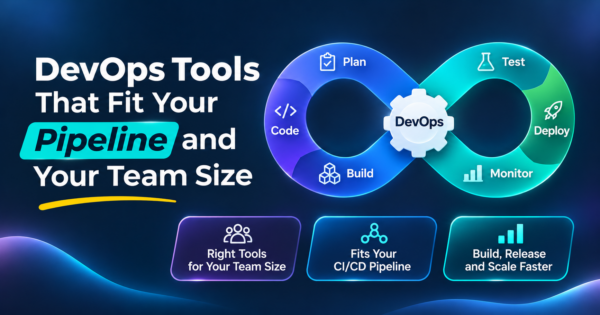
Twenty-nine minutes can run on every merge. Three hours cannot, so the team runs it nightly, sees failures a day late and stops trusting it. End-to-end tests also fail for reasons unrelated to the code, such as timing and test data, which makes the red results easy to ignore. The shape is a design choice, and the cheap tests at the bottom are what make the expensive ones at the top affordable. Our DevOps tools guide covers running these checks in a pipeline.
What mistakes make testing weaker than it looks?
The most common is testing only the happy path. A checkout test that uses a valid card and a clean address proves little. The failures that cost money come from declined cards, expired sessions, double clicks and empty carts. Another is leaving non-functional testing to the end, when it is too late to change the architecture, and finding out about slow pages or an access control flaw in production. A third is automating before the feature is stable, so the team spends its time repairing tests instead of finding bugs.
Teams also confuse the number of tests with confidence. Ten thousand tests that all check the same easy paths give less protection than two hundred that cover the risky ones. Measure what matters: defects that escape to production, how long the suite takes and how often it fails for no real reason. If you want an independent view of your testing, compare providers in our guide to the top software testing companies.
Frequently Asked Questions
What are the main types of software testing?
They can be grouped by level (unit, integration, system, acceptance), by purpose (functional and non-functional) and by approach (manual or automated, black-box, white-box or grey-box). Smoke, sanity and regression testing are checks run at particular moments.
What is the difference between functional and non-functional testing?
Functional testing checks that features behave as required. Non-functional testing checks qualities such as performance, security, usability, accessibility and compatibility.
What are the four levels of software testing?
Unit testing checks single components, integration testing checks how components work together, system testing checks the complete product and acceptance testing confirms it meets user and business needs.
What is the difference between smoke testing and sanity testing?
A smoke test is a quick run of critical paths after a new build to see whether it is stable enough to test. A sanity test is a narrow check after a small change or fix to confirm that one area works.
What is regression testing?
Regression testing repeats existing tests after a change to confirm that nothing that worked before has broken. It is a strong candidate for automation because it runs on every release.
What is the difference between black-box and white-box testing?
Black-box testing checks behavior from the outside without knowing the code. White-box testing uses knowledge of the code structure to design tests, such as covering every branch.
Should testing be manual or automated?
Both. Automate stable, repetitive checks such as regression and API tests. Keep people on new features, usability and exploratory testing where judgment matters.
What is performance testing?
It measures speed, stability and behavior under load. Variants include load testing for expected traffic, stress testing beyond it and soak testing over a long period.
How do I decide which types of testing to use?
Start with the cost of failure. Payments and personal data need security and compatibility testing, long-lived systems need a strong regression suite and short-lived prototypes need only smoke and sanity checks. Allocate effort by risk.
What is a test pyramid?
It is a way of shaping a test suite with many fast unit tests at the bottom, fewer integration tests in the middle and a small number of end-to-end tests at the top, so the suite stays fast and trustworthy.
Bottom Line
Software testing types are tools, and the skill is picking the right ones for the risk. Test small things early and cheaply, check the qualities users notice, automate what repeats and spend your hours where a failure would hurt most. If you want help building a test strategy or automation, see our software testing services and automation testing services.